ChatGPT Business Profile: How to Claim Your Business and Track AI Visibility
 jyotiTeam WebzGrowth
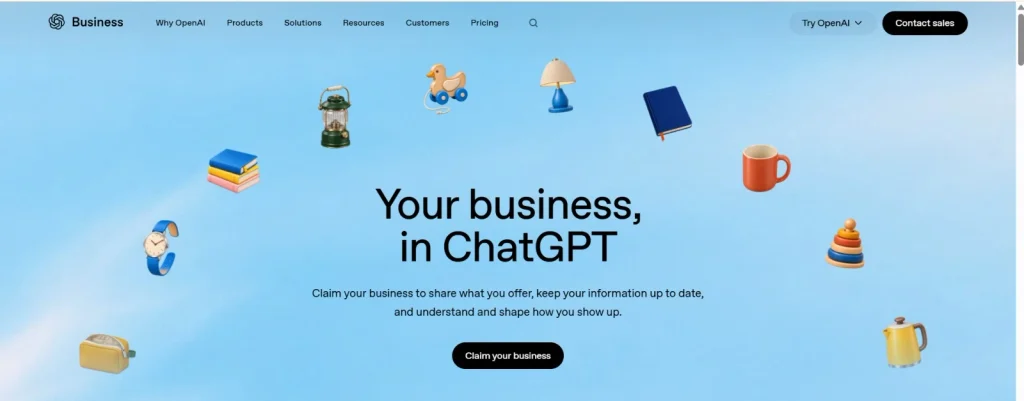
A ChatGPT Business Profile allows eligible businesses to claim and manage their business information through OpenAI’s Business Hub. Businesses can update their details, complete verification, and access aggregated insights such as mentions, website clicks, and discovery topics.
Look at how people search today. Instead of visiting multiple websites, users increasingly ask AI tools questions such as “Which digital marketing agency should I choose?” or “What is the best service for my business?”
OpenAI introduced Businesses in ChatGPT in beta on November 10, 2026. This gives eligible businesses a new way to manage their information and understand how they appear within ChatGPT.
In this guide, we’ll explain what the new feature offers, how to claim a profile, who is eligible, and what businesses should know about AI visibility.
Table of Contents
What Is a ChatGPT Business Profile?
A ChatGPT Business Profile is a business listing that eligible companies can claim and manage through Business Hub. It allows businesses to provide information such as their website, description, category, and product details.
The feature is designed to help businesses maintain accurate information while giving them insights into how people engage with their business on ChatGPT.
Businesses may be able to:
- Claim and verify their existing listing.
- Update business information.
- Add product details, pricing, and availability through supported product feeds.
- View business mentions and website clicks.
- Explore discovery topics associated with their business.
Business Hub is different from a paid ChatGPT Business workspace subscription. Claiming an eligible business does not require an Ads account or ChatGPT Enterprise agreement.
What Features Does ChatGPT Business Hub Offer?
Business Hub provides several features that businesses can use to manage their information and understand engagement.
Business Information Management
After the required verification is approved, businesses can update details such as their website, business description, category, logo, and other available information.
OpenAI reviews changes before publishing, so updates may not appear immediately.
Product Feeds
Eligible businesses can connect product feeds to share information such as product pricing and availability. Shopify integration is also available for supported businesses.
This helps provide more current product information, but connecting a feed does not guarantee that ChatGPT will recommend a product.
Business Insights
Businesses can access aggregated insights, including:
- Mentions
- Website clicks
- Discovery topics
These insights help businesses understand how they are appearing in ChatGPT and which broad topics are associated with their visibility.
Business Agents
Eligible ecommerce and online service businesses in the United States can create a Business Agent that answers customer questions using information provided by the business.
Business Agents are a separate feature from claiming a profile, and eligibility requirements apply.
Who Can Claim a Business Profile on ChatGPT?
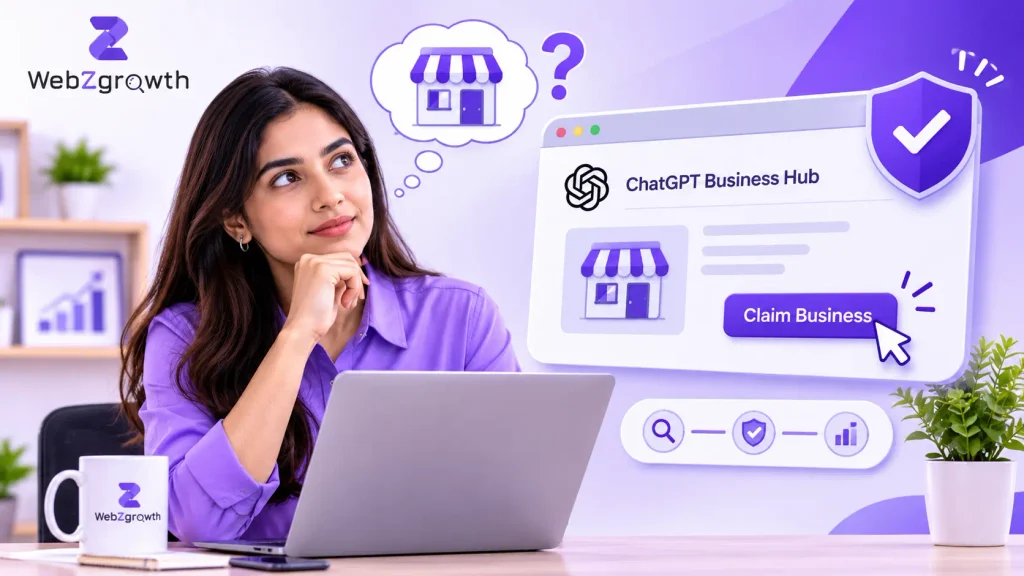
Businesses can claim a profile if the owner or an authorized representative can verify their connection to the business and receive approval.
Availability depends on business location, business type, and supported verification methods.
Currently, OpenAI states that local stores and restaurants can claim only existing U.S. listings. Eligible online businesses may have an option to add a business, depending on availability.
Businesses in India should check their own Business Hub eligibility rather than assuming every business can claim a profile.
How to Claim Your Business on ChatGPT?
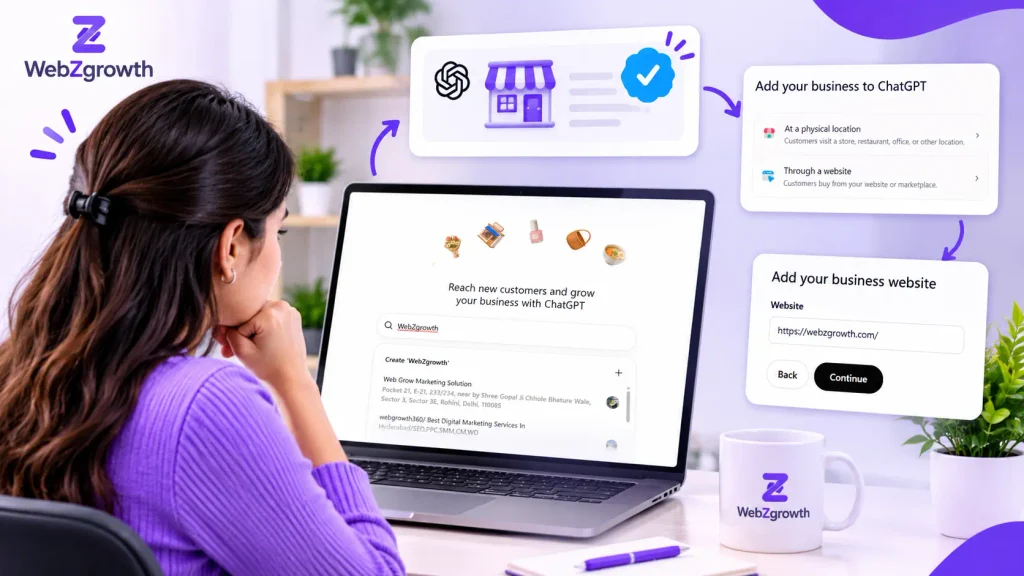
Follow these steps to begin the claiming process:
- Sign in to ChatGPT and open the Business Hub.
- Search for your business name.
- Select the correct business listing.
- Confirm the ChatGPT account you want to use to manage it.
- Choose an available verification method.
- Submit your claim and wait for OpenAI’s approval.
Verification methods may include a business phone, business email, website domain, or Shopify connection, depending on the listing.
How Does Business Verification Work?
Claim verification and identity verification are two different steps.
First, you verify your connection to the business using an available method. After your claim is approved, you may also need to complete identity verification through Persona.
Persona verification is required for actions such as publishing business information changes, accessing insights, connecting product feeds, or creating an eligible Business Agent.
A verified badge is not automatically granted just because you submitted a claim. It appears after the required Persona verification is approved.
For the latest process, follow the official OpenAI Business Hub setup guide.
What Do ChatGPT Business Insights Show?
Business Hub insights help businesses understand their engagement on ChatGPT.
- Mentions: For online businesses, a mention is counted when ChatGPT references the business website. For local businesses, it counts when ChatGPT shows a result for that location.
- Website clicks: Shows how often users click through to your website.
- Discovery topics: Highlights common themes in answers where your business is mentioned or cited.
Insights are aggregated and do not reveal individual customer conversations or prompts. Data may also be incomplete, and a blank metric does not necessarily mean zero activity.
How Can Businesses Improve AI Search Visibility?
Start with practical steps instead of chasing shortcuts:
- Keep business details consistent across your website and business listings.
- Create detailed service and product pages.
- Answer common customer questions clearly.
- Publish useful, original content backed by real expertise.
- Make your website accessible to search crawlers.
- Review your website analytics and available AI visibility insights regularly.
Businesses can also explore more digital marketing insights to stay updated with changing search trends.
How Can WebZgrowth Help Your Business Improve AI Search Visibility?
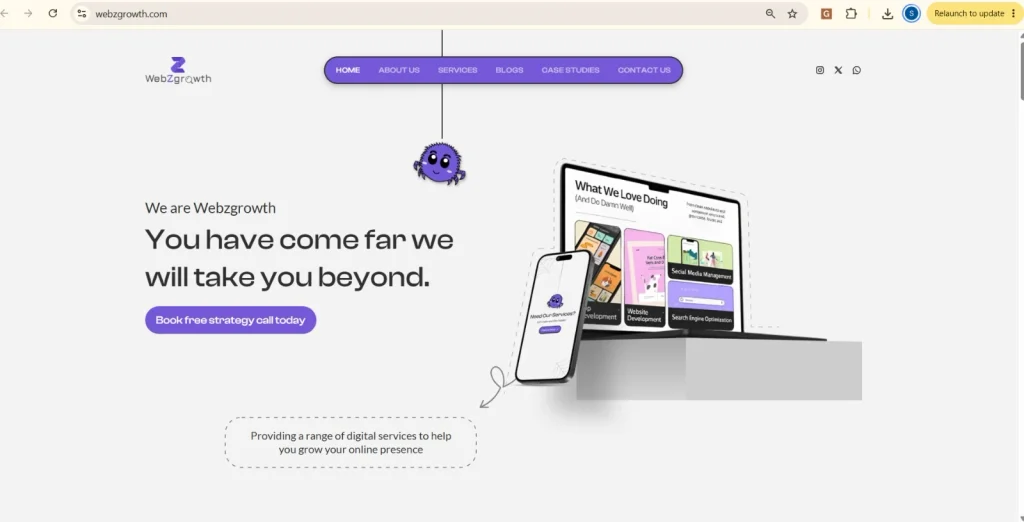
Claiming your ChatGPT business profile is just one step toward improving your online presence. Businesses also need a website that clearly explains their services, answers customer questions, and builds trust. That’s where WebZgrowth can help.
Our team works on strategies that help businesses strengthen their search visibility and attract relevant visitors through:
- SEO: Improve website visibility for relevant search queries and attract organic traffic.
- AI SEO & GEO: Structure website content to make it more useful, clear, and accessible for AI-powered search experiences.
- Content Marketing: Create informative blogs, service pages, and website content that answer real customer questions.
- Technical SEO: Identify indexing, website structure, page speed, and technical issues affecting search performance.
- On-Page SEO: Improve headings, keywords, internal linking, metadata, and content relevance.
Whether you’re building your SEO foundation or adapting to AI-driven search, WebZgrowth can help you develop a strategy aligned with your business goals. Explore our SEO services or contact our team to discuss your website’s growth opportunities.
Is Your Business Ready for AI-Powered Search?
Your next customer may discover your business through ChatGPT instead of a traditional Google search – and are you ready for that shift?
Businesses in ChatGPT offer a new opportunity to manage business information and understand how people discover brands through AI.
However, claiming a profile is only the beginning. A strong website, useful content, consistent business information, and a solid SEO strategy remain essential for building visibility across search platforms.
Want your business to stay competitive as search evolves? Explore Webz Growth’s SEO services to discover how the right SEO strategy can strengthen your online presence.
Visit Webz Growth and take the next step toward making your business easier to discover online.
Frequently Asked Questions
Is a ChatGPT Business Profile free?
Claiming an eligible business through Business Hub is separate from a paid ChatGPT Business workspace subscription. Check the current setup requirements for your business.
Can businesses in India claim a profile?
Eligibility depends on location and business type. OpenAI currently states that local stores and restaurants can claim only existing U.S. listings, while eligible online businesses may have different options.
Does verification guarantee ChatGPT recommendations?
No. Verification allows businesses to manage eligible information and access certain features. It does not guarantee visibility, recommendations, or rankings.
Can businesses track website traffic from ChatGPT?
Business Hub provides aggregated website-click insights. Businesses can also use their website analytics tools to investigate referral traffic where available.
Is ChatGPT Business Hub the same as Google Business Profile?
No. Both allow businesses to manage information, but they operate on different platforms and offer different features. A ChatGPT profile does not replace your Google Business Profile.